Category: Workflow

  • Proofing Photos With Clients: A Simple Workflow for Photographers

    Proofing Photos With Clients: A Simple Workflow for Photographers

    The shoot went well. Now comes the part nobody teaches in photography school: getting a client to choose, comment on and sign off a few hundred images without the process taking longer than the shoot.

    Here’s a proofing workflow that keeps clients happy and keeps you in control.

    Cull before you share

    Never send everything. Clients who see 800 frames will ask about the near-duplicates, the test shots and the one where the model blinked. Cull hard first, and share a considered selection, usually a fraction of what you shot.

    A smaller set gets faster, better decisions. It also shows the client your eye, which is part of what they’re paying for.

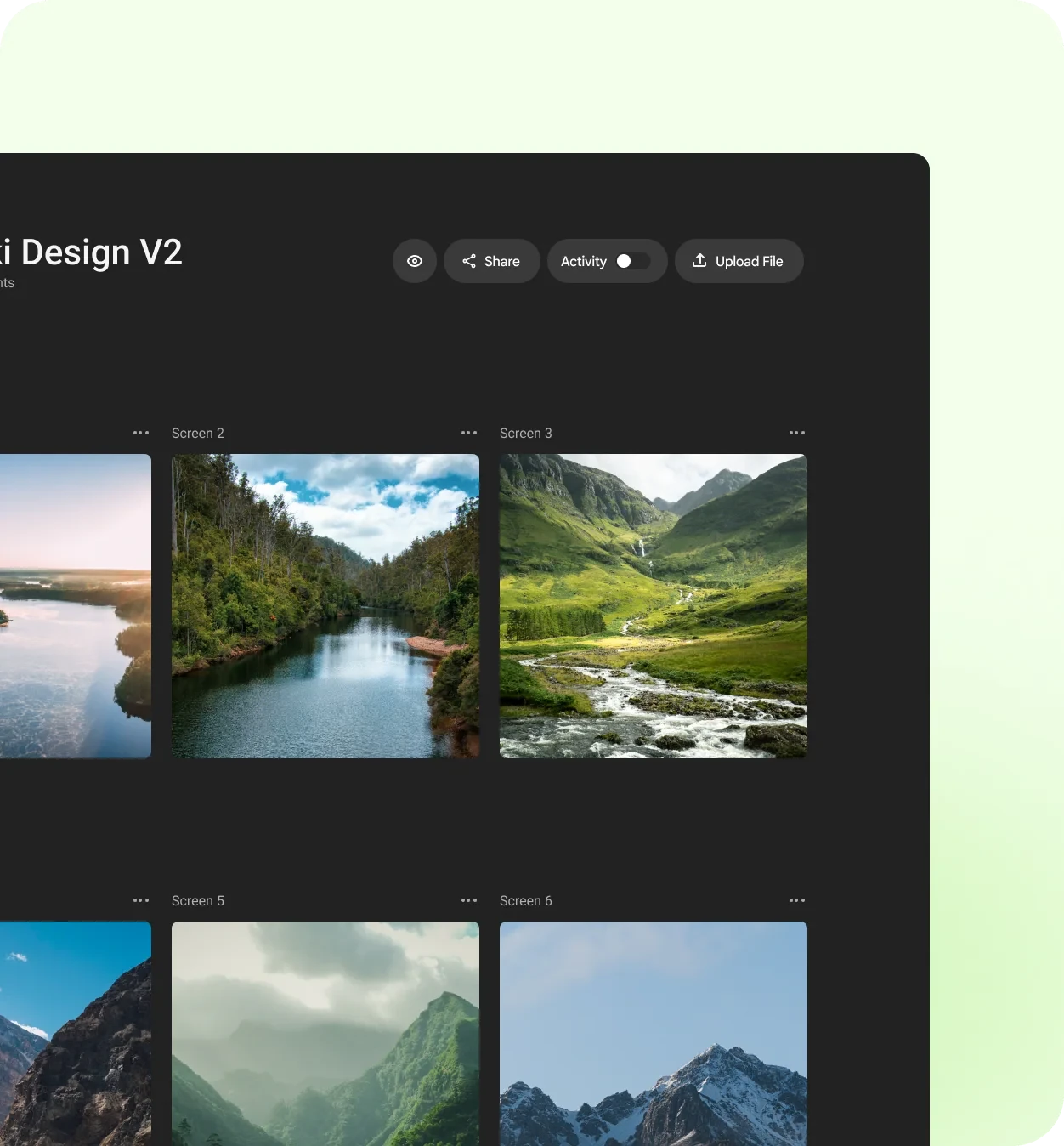
    Group the gallery the way the client thinks

    Organise the proofs into small, named groups that match the brief: “Hero shots”, “Product details”, “Team portraits”, “Behind the scenes”. Clients choose faster when each group answers one question.

    Tell the client exactly what you need

    A short brief with the gallery prevents most confusion:

    • How many to pick from each group, and whether extras cost more.
    • What kind of notes you want: picks, crops, retouching, colour.
    • What’s out of scope, such as heavy compositing.
    • The deadline for picks, so your edit can be scheduled.

    Collect retouch notes on the image itself

    “Can you fix the thing on the left?” is the most expensive sentence in photography. Ask clients to pin their notes on the exact spot: the stray hair, the reflection on the glass, the crease in the shirt. You’ll retouch the right thing the first time.

    Pinned notes turn “fix the thing on the left” into a to-do list you can work through.

    Work through notes, then resolve them

    Treat each note as a task. When you’ve made the change, reply briefly (“softened the reflection, kept the texture”) and mark it resolved. Upload the retouched version to the same review so the history stays in one place.

    If you decide not to make a change, say why. “Removing the logo would need a reshoot” is useful information for the client, not a refusal.

    Get a clear final sign-off

    Before delivering high-resolution files, ask for a written approval of the final selection. It protects you if someone later asks why a different frame wasn’t used, and it gives the project a clean end.

    Deliver, then archive the conversation

    Once files are delivered, keep the review with its notes. When the client comes back next season, you’ll know their taste, what they rejected and which retouching they asked for, without digging through old emails.


    CommentJet lets you share a shoot as a single review link, collect comments pinned to the exact spot on each photo, and mark notes resolved as you go. If your clients are new to giving visual feedback, this guide to useful feedback is a good one to share with them.
  • Your Next Feedback Round Doesn’t Need a Meeting

    Your Next Feedback Round Doesn’t Need a Meeting

    The review meeting is a ritual on many teams. Everyone joins, someone shares their screen, the design scrolls by too quickly, three people talk at once, and the meeting ends with “I’ll send a summary.” The summary arrives two days later, if at all.

    There’s a better default for most feedback rounds: review asynchronously, and save meetings for the few decisions that truly need one.

    Why async works for feedback

    Feedback is better when people have time to look. In a live meeting, reviewers react to what’s on screen right now. Asynchronously, they can zoom in, compare versions, and think before writing.

    Async reviews also:

    • Include people in other time zones without anyone joining at midnight.
    • Leave a written record of what was said and decided.
    • Give quieter reviewers a voice. The loudest person in the room no longer sets the direction.
    • Free up the calendar. A 45-minute meeting with six people costs four and a half hours of focus.

    Set a clear window

    The biggest risk with async is drift: comments trickle in for a week and nobody knows when the round is done. Fix it with a window. “Comments open until Thursday at 5 pm, then I’ll start the next version.” Short, specific and easy to plan around.

    Give reviewers a brief

    Without the presenter walking through the work, reviewers need context in writing. A good async brief answers four questions:

    1. What is this, and who is it for?
    2. What changed since the last version?
    3. What kind of feedback do you want this round?
    4. When do you need it?

    Use the right format for each note

    Not all feedback fits in a text box. Mix formats to match the note:

    • Pinned text comments for anything about a specific spot.
    • Voice notes for nuance and tone, when typing would take a paragraph.
    • Screen recordings for flows, animations or anything you need to click through.

    A 40-second recording of someone navigating a prototype and saying “here’s where I got lost” is often clearer than any meeting.

    Async doesn’t mean slow. It means everyone gets to respond at their best, not just at the same time.

    Translate when the team is global

    International teams often review in a second language, which makes feedback sound blunter than intended. Writing comments in your own language and translating them, or polishing a rough note before sending it, keeps the tone where you meant it.

    Keep meetings for decisions

    Some moments still need everyone together: a direction change, a disagreement that won’t settle in comments, or a launch decision. When that happens, meet, with the async comments as the agenda. The meeting will be shorter, because the easy things are already resolved.


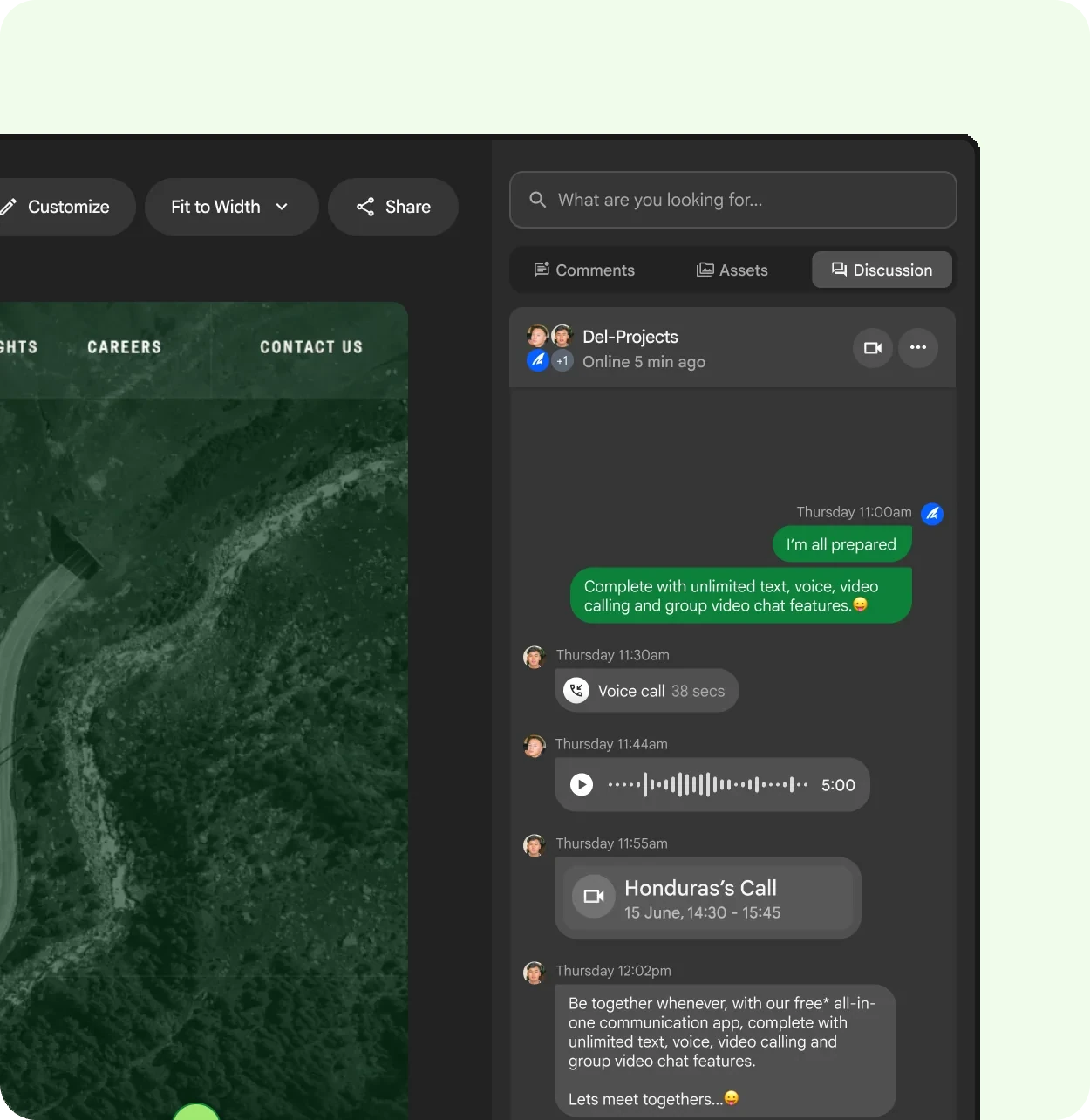
    In CommentJet, every comment can carry text, a voice note, a screen recording or an attachment, and the Improve and Translate tools help tidy a note before it’s sent. When a live conversation is needed, the discussion panel next to the file has it covered. For tips on the notes themselves, read how to give design feedback people can actually use.

  • Client Approvals Without the Endless Email Thread

    Client Approvals Without the Endless Email Thread

    Every agency knows the thread. It starts with “Here’s the first draft!” and a PDF. Three days later it has forty replies, two forwarded chains, a screenshot with red circles, and a question nobody can answer: which version did the client actually approve?

    The work isn’t the problem. The process around it is. Here’s a simpler way to run client approvals.

    Agree on the rules before the first draft

    Most approval pain is set up at the kickoff. Before you share anything, agree on three things with the client:

    • Who approves. One named person has the final say, even if five people comment.
    • How many rounds. Two rounds of changes is a common default; more is a change of scope.
    • What each round is for. Round one is direction and structure. Round two is details and copy.

    Write it into the proposal. It feels formal, but it’s the kindest thing you can do for both sides.

    Share one link, not attachments

    Attachments multiply. Each reply creates another copy, and each copy collects its own comments. Instead, share a single link to the work, and keep every version and every comment behind it.

    That one change fixes the most common approval failure: the client commenting on an old version while you’re working on a new one.

    Ask for comments on the work itself

    Clients are not designers, and they shouldn’t have to describe a layout in words. Let them click the spot they mean and type. “This photo feels too dark” pinned right on the photo is worth ten paragraphs of email.

    It also removes a quiet source of conflict. When a comment sits on the exact element, there’s no argument later about what the client meant.

    The clearer the feedback channel, the fewer “quick calls” you need to decode it.

    Brief every round

    When you share a draft, add a short brief:

    • What changed since the last round.
    • What you want feedback on now.
    • What’s already agreed and shouldn’t be reopened.
    • The date you need comments by.

    A brief keeps round two from turning back into round one.

    Close each comment visibly

    Before sending the next version, reply to every comment with what you did, then mark it resolved. If you didn’t make a change, say why in one line. Clients rarely mind a reasoned “no”; they mind being ignored.

    This also creates a record. When someone asks six weeks later why the logo is on the left, the answer is right there.

    Ask for the approval in writing

    At the end of the last round, ask the named approver for a clear, written yes on the final version. Not a thumbs-up emoji in a group chat. A short “Approved for launch” on the file itself is enough, and it protects everyone.


    CommentJet is built around this flow: one shared link per review, comments pinned to the exact spot, a brief with each round, and resolved comments that show what was done. For more on writing notes clients can act on, see how to give design feedback people can actually use.