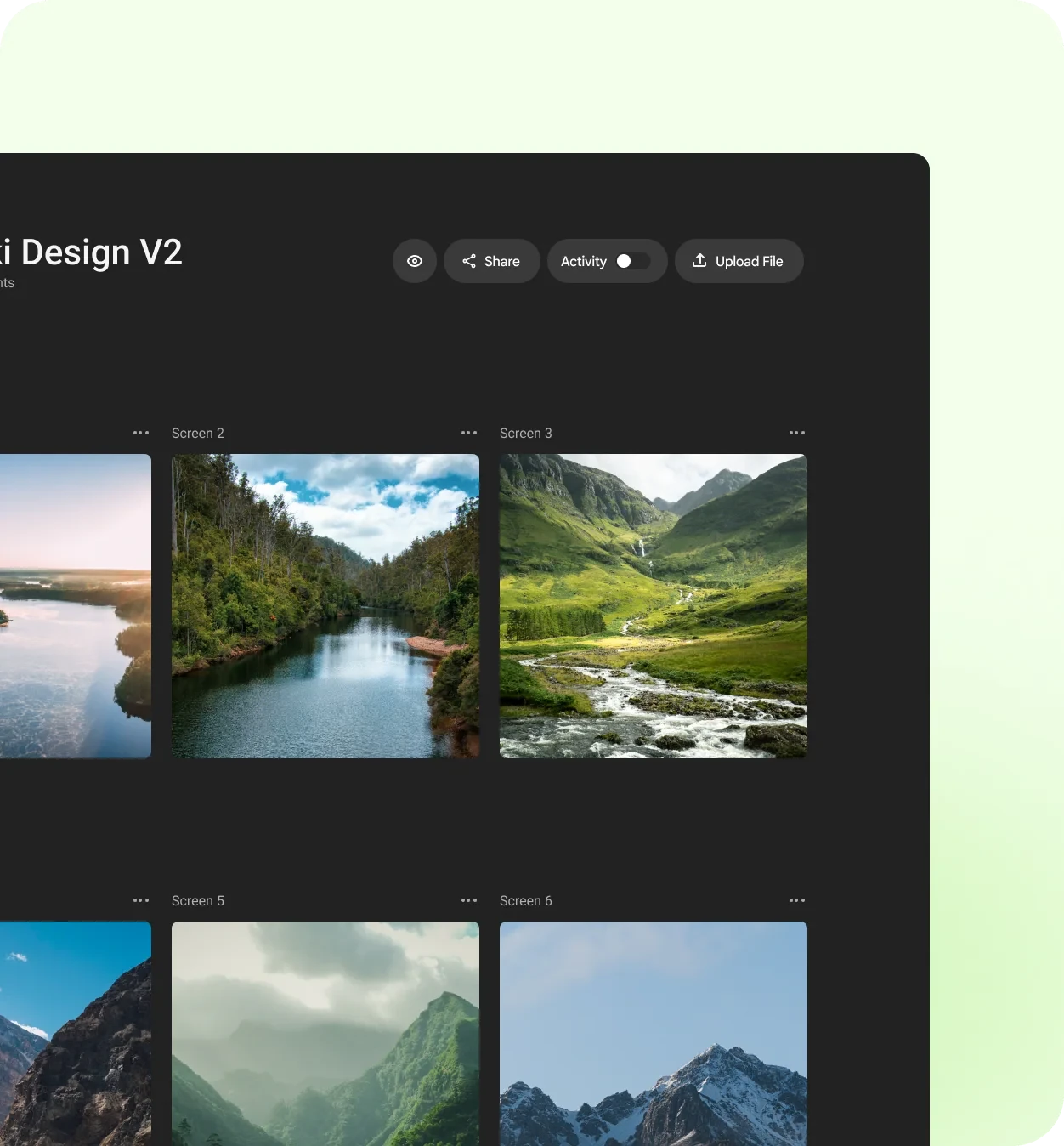
The shoot went well. Now comes the part nobody teaches in photography school: getting a client to choose, comment on and sign off a few hundred images without the process taking longer than the shoot.
Here’s a proofing workflow that keeps clients happy and keeps you in control.
Cull before you share
Never send everything. Clients who see 800 frames will ask about the near-duplicates, the test shots and the one where the model blinked. Cull hard first, and share a considered selection, usually a fraction of what you shot.
A smaller set gets faster, better decisions. It also shows the client your eye, which is part of what they’re paying for.
Group the gallery the way the client thinks
Organise the proofs into small, named groups that match the brief: “Hero shots”, “Product details”, “Team portraits”, “Behind the scenes”. Clients choose faster when each group answers one question.
Tell the client exactly what you need
A short brief with the gallery prevents most confusion:
- How many to pick from each group, and whether extras cost more.
- What kind of notes you want: picks, crops, retouching, colour.
- What’s out of scope, such as heavy compositing.
- The deadline for picks, so your edit can be scheduled.
Collect retouch notes on the image itself
“Can you fix the thing on the left?” is the most expensive sentence in photography. Ask clients to pin their notes on the exact spot: the stray hair, the reflection on the glass, the crease in the shirt. You’ll retouch the right thing the first time.
Pinned notes turn “fix the thing on the left” into a to-do list you can work through.
Work through notes, then resolve them
Treat each note as a task. When you’ve made the change, reply briefly (“softened the reflection, kept the texture”) and mark it resolved. Upload the retouched version to the same review so the history stays in one place.
If you decide not to make a change, say why. “Removing the logo would need a reshoot” is useful information for the client, not a refusal.
Get a clear final sign-off
Before delivering high-resolution files, ask for a written approval of the final selection. It protects you if someone later asks why a different frame wasn’t used, and it gives the project a clean end.
Deliver, then archive the conversation
Once files are delivered, keep the review with its notes. When the client comes back next season, you’ll know their taste, what they rejected and which retouching they asked for, without digging through old emails.
CommentJet lets you share a shoot as a single review link, collect comments pinned to the exact spot on each photo, and mark notes resolved as you go. If your clients are new to giving visual feedback, this guide to useful feedback is a good one to share with them.