The review meeting is a ritual on many teams. Everyone joins, someone shares their screen, the design scrolls by too quickly, three people talk at once, and the meeting ends with “I’ll send a summary.” The summary arrives two days later, if at all.
There’s a better default for most feedback rounds: review asynchronously, and save meetings for the few decisions that truly need one.
Why async works for feedback
Feedback is better when people have time to look. In a live meeting, reviewers react to what’s on screen right now. Asynchronously, they can zoom in, compare versions, and think before writing.
Async reviews also:
- Include people in other time zones without anyone joining at midnight.
- Leave a written record of what was said and decided.
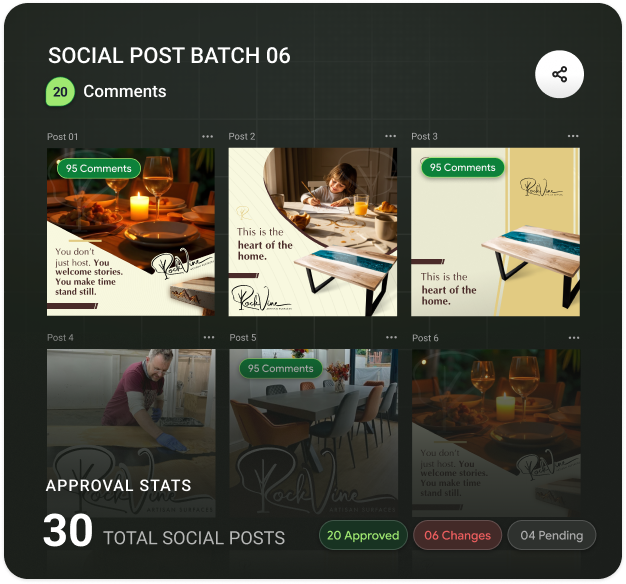
- Give quieter reviewers a voice. The loudest person in the room no longer sets the direction.
- Free up the calendar. A 45-minute meeting with six people costs four and a half hours of focus.
Set a clear window
The biggest risk with async is drift: comments trickle in for a week and nobody knows when the round is done. Fix it with a window. “Comments open until Thursday at 5 pm, then I’ll start the next version.” Short, specific and easy to plan around.
Give reviewers a brief
Without the presenter walking through the work, reviewers need context in writing. A good async brief answers four questions:
- What is this, and who is it for?
- What changed since the last version?
- What kind of feedback do you want this round?
- When do you need it?
Use the right format for each note
Not all feedback fits in a text box. Mix formats to match the note:
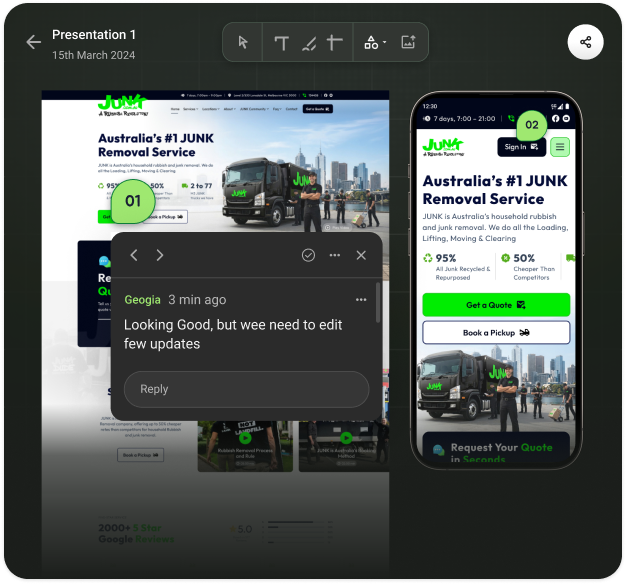
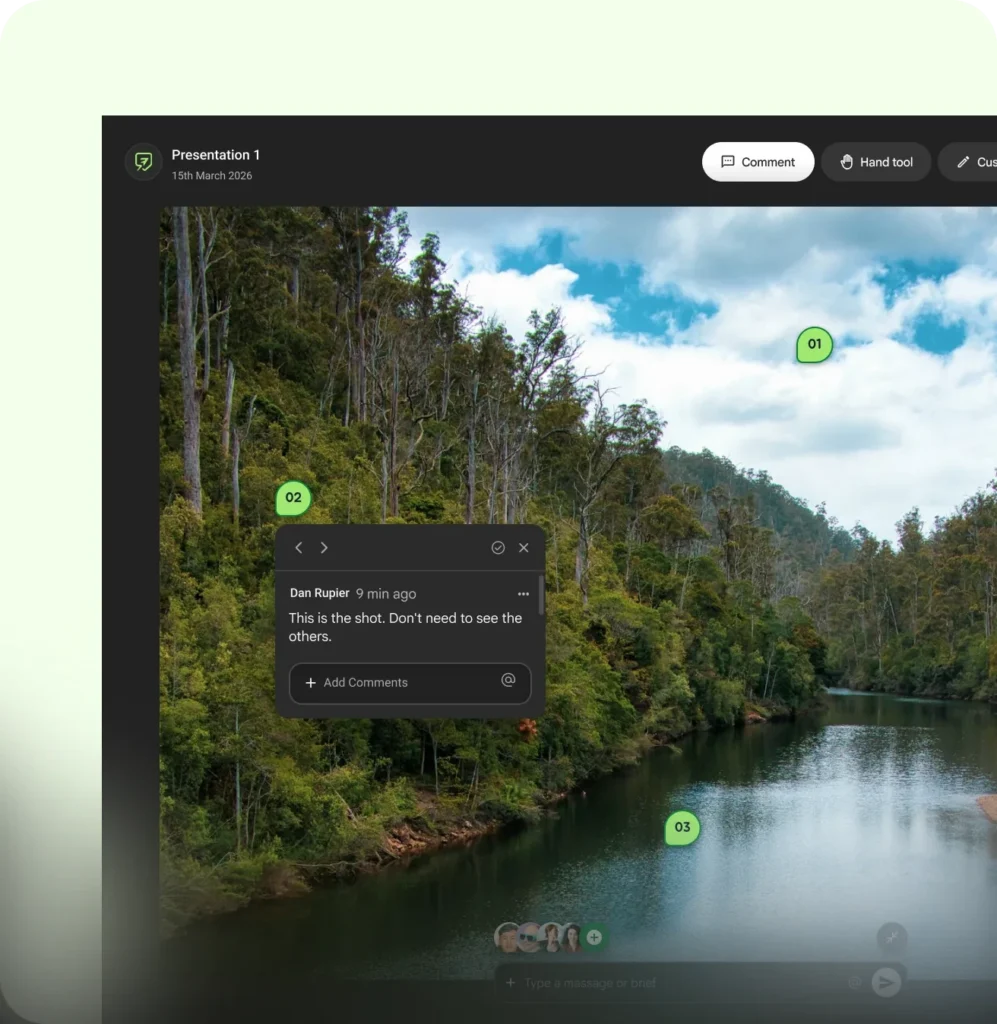
- Pinned text comments for anything about a specific spot.
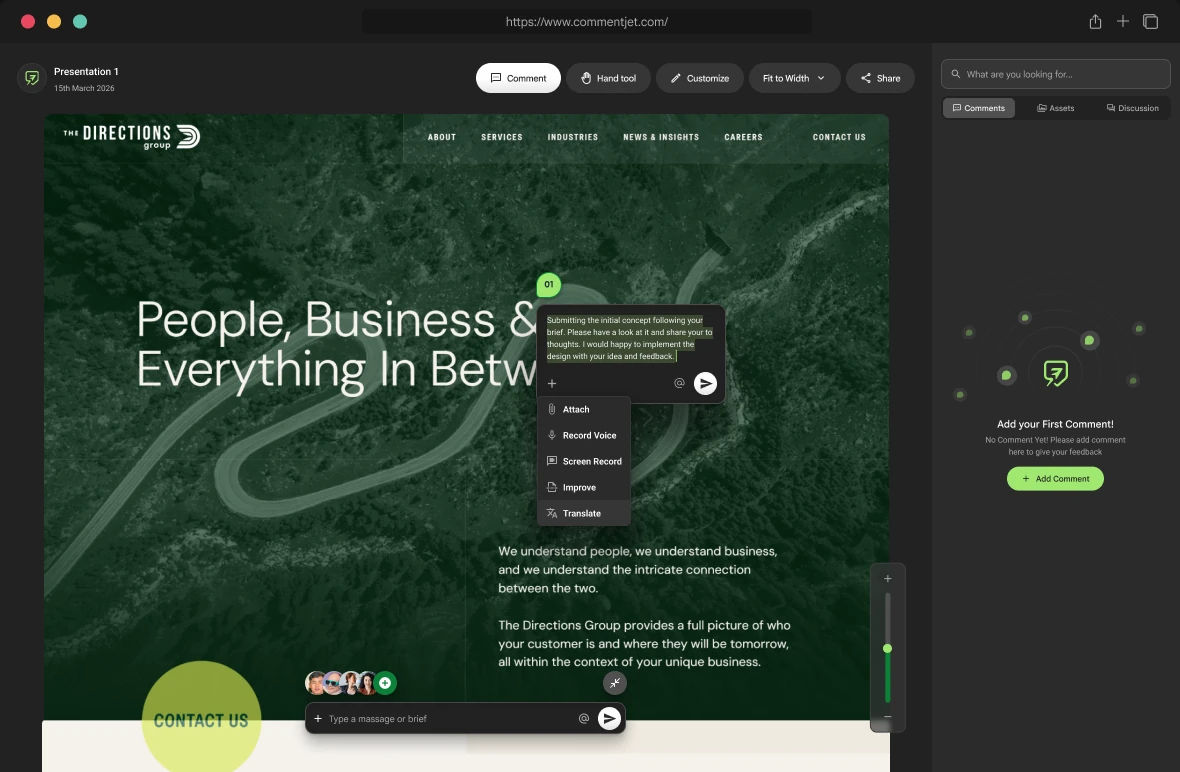
- Voice notes for nuance and tone, when typing would take a paragraph.
- Screen recordings for flows, animations or anything you need to click through.
A 40-second recording of someone navigating a prototype and saying “here’s where I got lost” is often clearer than any meeting.
Async doesn’t mean slow. It means everyone gets to respond at their best, not just at the same time.
Translate when the team is global
International teams often review in a second language, which makes feedback sound blunter than intended. Writing comments in your own language and translating them, or polishing a rough note before sending it, keeps the tone where you meant it.
Keep meetings for decisions
Some moments still need everyone together: a direction change, a disagreement that won’t settle in comments, or a launch decision. When that happens, meet, with the async comments as the agenda. The meeting will be shorter, because the easy things are already resolved.
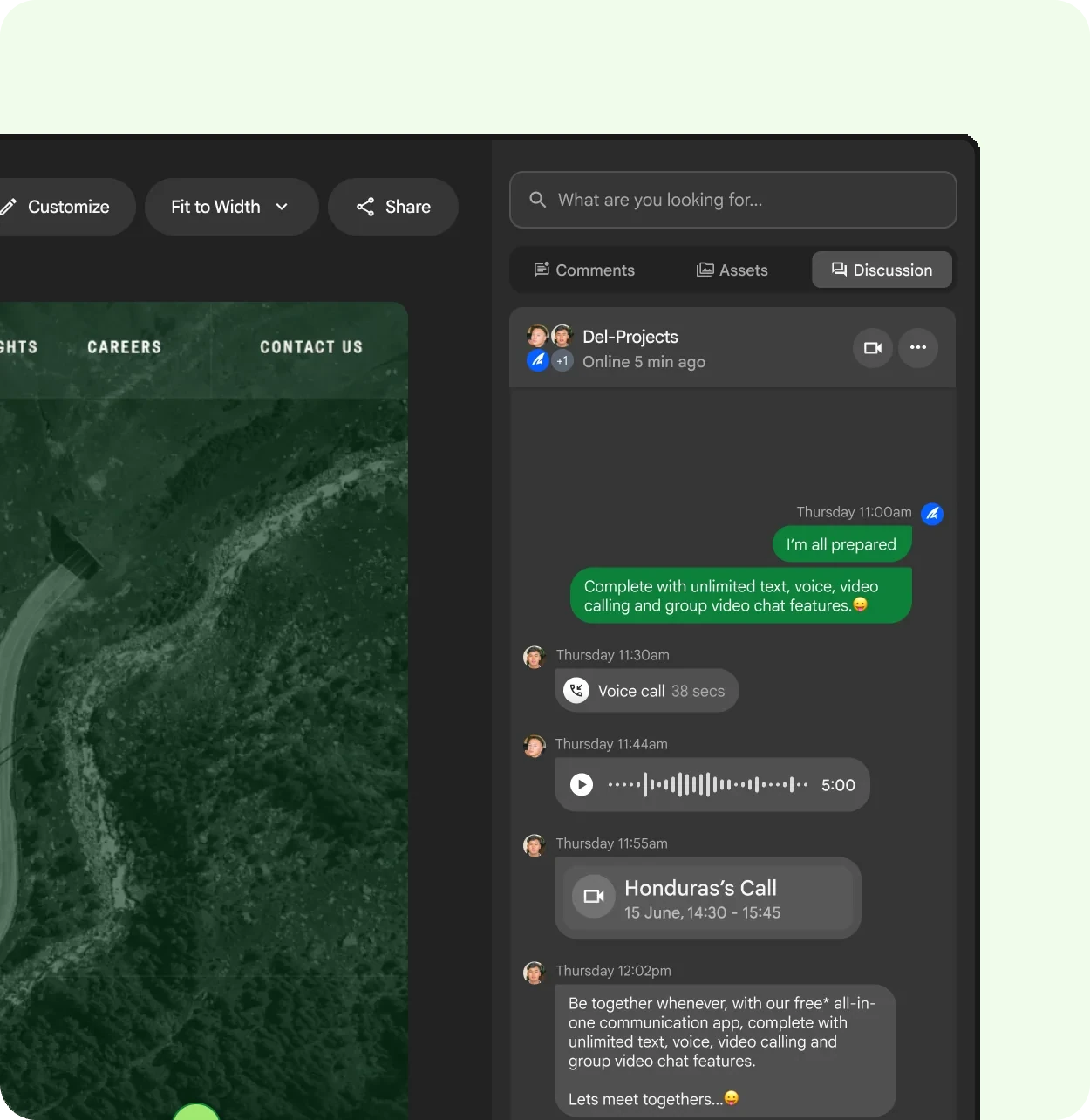
In CommentJet, every comment can carry text, a voice note, a screen recording or an attachment, and the Improve and Translate tools help tidy a note before it’s sent. When a live conversation is needed, the discussion panel next to the file has it covered. For tips on the notes themselves, read how to give design feedback people can actually use.